

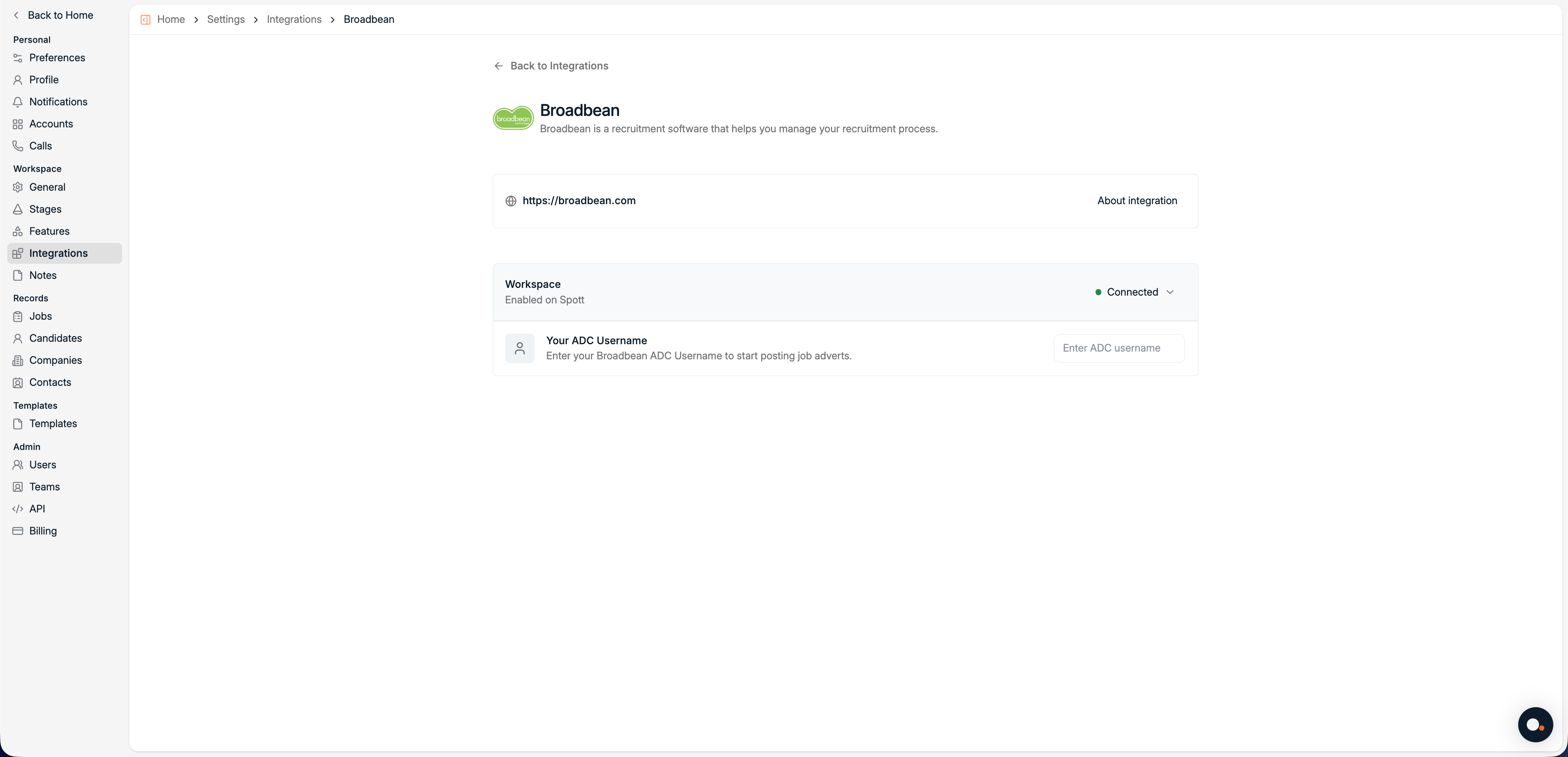
About the integration
Overview
Broadbean is a job distribution platform that allows recruiters to publish job adverts to hundreds of job boards, social media platforms, and aggregators from one place. By connecting Broadbean to Spott, you can distribute jobs directly from your recruitment workflow without switching tools. Spott sends job data to Broadbean using Broadbean AdCourier (ADC), after which Broadbean handles distribution to your configured channels.How it works
Once connected, Spott acts as the source of truth for your job data, while Broadbean manages distribution. The process looks like this:- A workspace admin connects Spott to Broadbean using your organization’s AdCourier credentials.
- Each team member enters their personal ADC username.
- When publishing a job, Broadbean is selected as a distribution channel.
- Broadbean distributes the advert to the configured job boards.
Configure
Make sure Broadbean is enabled at workspace level before entering your personal ADC username.
1
Enable Broadbean for your workspace
Go to Settings > Integrations > Broadbean.
- Click Enable.
- Enter your Broadbean AdCourier Client ID and Client Secret.
- Save the configuration.
Only workspace admins can enable Broadbean. If you don’t see this option, contact your workspace admin.
2
Enter your ADC username
Once Broadbean is enabled for the workspace:
- Navigate to Settings > Integrations > Broadbean.
- Enter your personal ADC Username.
Your ADC username is provided by Broadbean and is usually the same one you use to log into AdCourier.
3
Post jobs via Broadbean
When creating or publishing a job in Spott:
- Select Broadbean as a distribution channel.
- Publish the job.
Available job boards and posting rules are managed in Broadbean, not in Spott.
Examples of Job boards distributed via Broadbean
- Indeed
- LinkedIn Jobs
- Glassdoor
- Monster
- Local and niche boards