

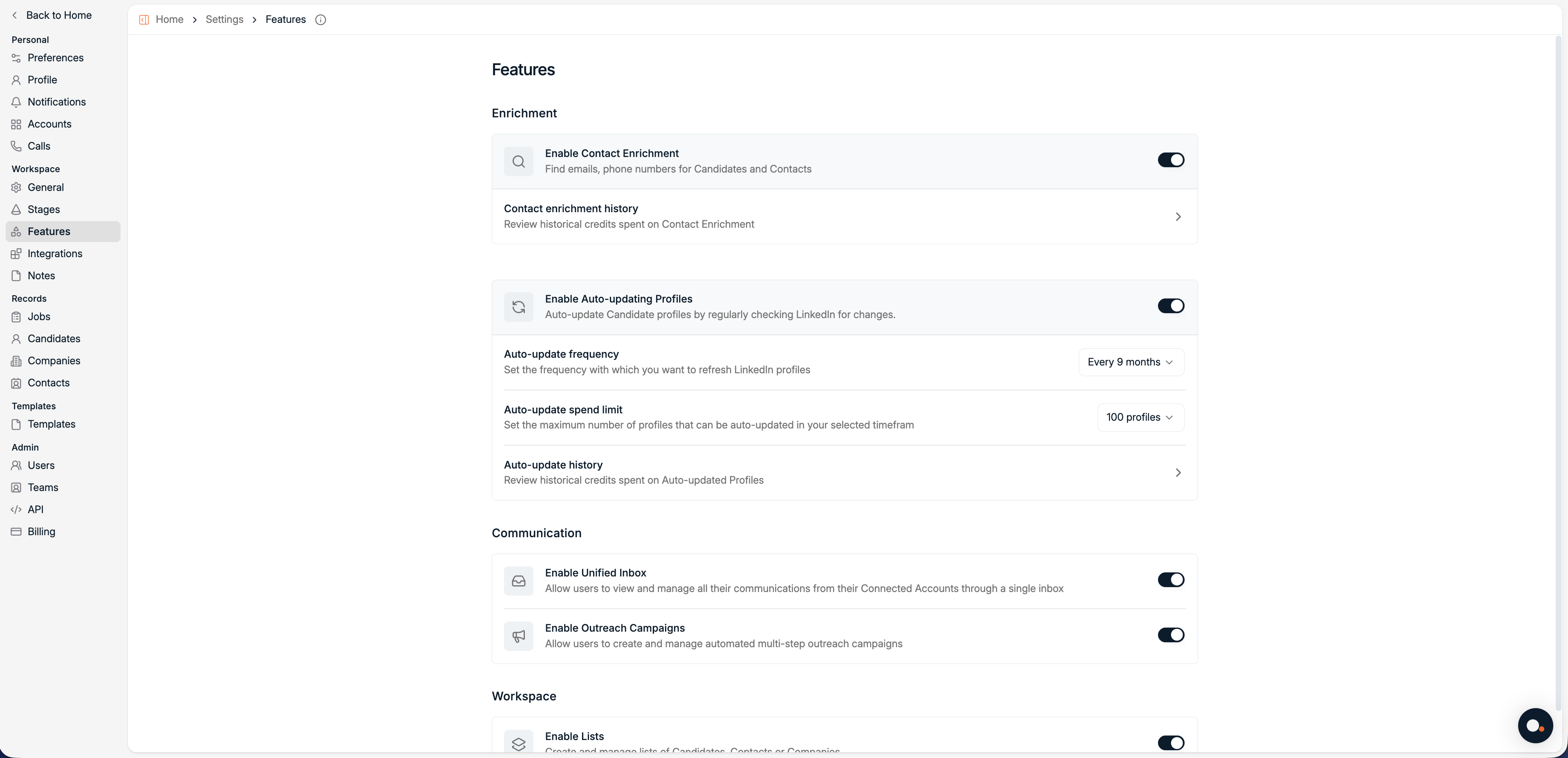
Auto-updating Profiles is managed from Settings, Features. It keeps Candidate profiles up to date by periodically checking LinkedIn for changes.
Auto-updating costs 5 credits per profile. Credits are only deducted when an update is successful.
Enable Auto-updating Profiles
1
Open Features in Settings
Navigate to Settings → Features.
2
Enable Auto-updating Profiles
Toggle Enable Auto-updating Profiles on to allow Spott to regularly check LinkedIn for profile changes.
Configure auto-updating
Auto-update frequency
Set how often Spott should refresh LinkedIn profiles. Available options:- Every month
- Every 2 months
- Every 3 months
- Every 6 months
- Every 9 months
- Every year
Auto-update spend limit
Set the maximum number of profiles that can be successfully auto-updated within the selected timeframe. Available options:- 100 profiles
- 200 profiles
- 500 profiles
- 1,000 profiles
- 2,000 profiles
- 5,000 profiles
- 10,000 profiles
The spend limit helps you control credit usage by limiting how many profiles can be updated per period.
Auto-update history
Click Auto-update history to review how auto-updating is performing and how credits are being used. On this page you can see:- Total Auto-Updates for the current month
- Success Rate, showing how many updates were successful
- Remaining Credits available for auto-updating
Managing credits
If you need more enrichment credits, you can purchase them from the Billing page:- Go to Settings → Billing