

You can quickly navigate to Lists using
Learn more about all shortcuts here.
G then L.Learn more about all shortcuts here.
Create a new List
1
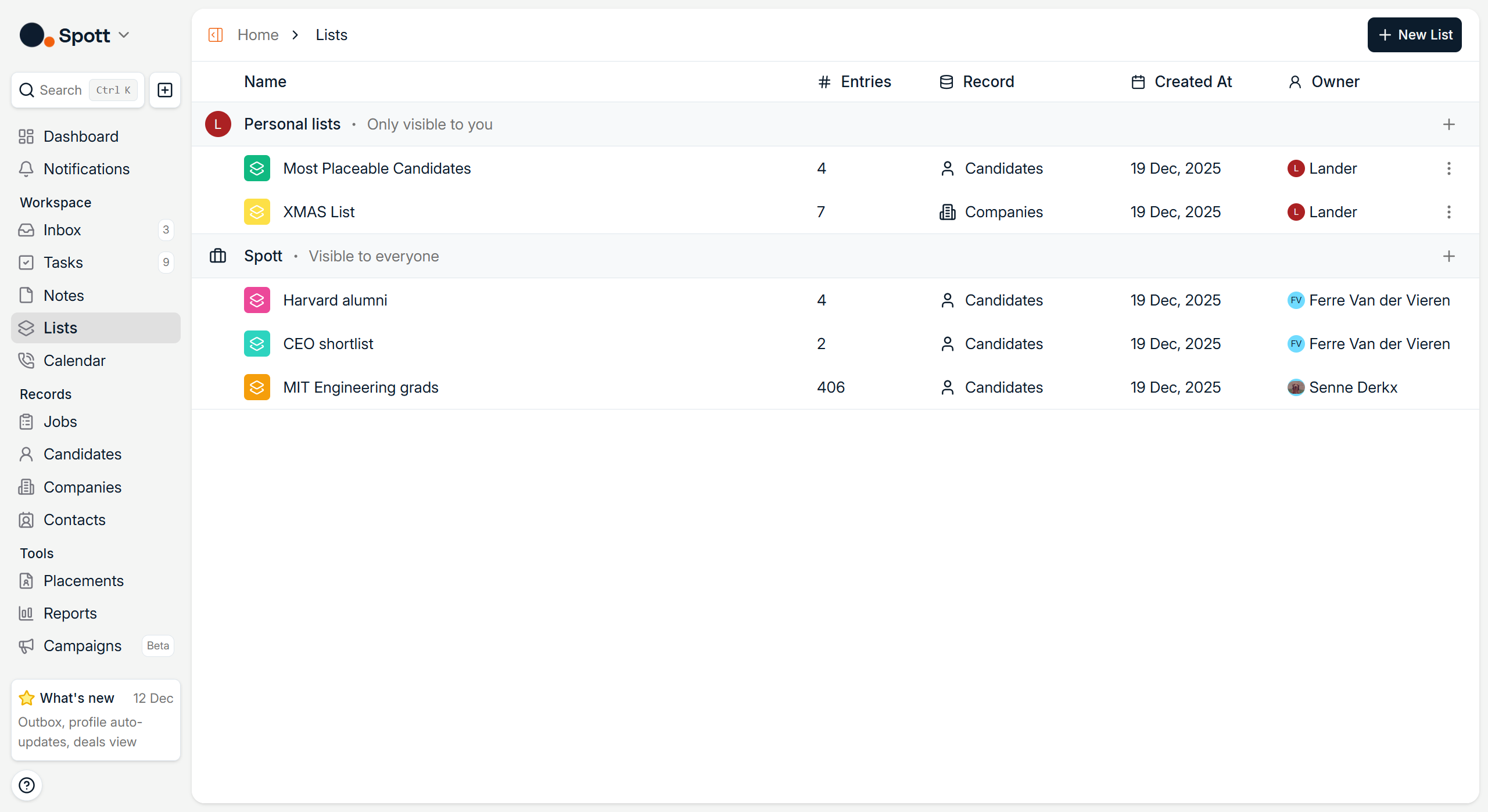
Open the Lists page
At the top of the page, you will find the New List button along with Lists you have already created.
2
Choose an entity type
When creating a new List, select one of the following types: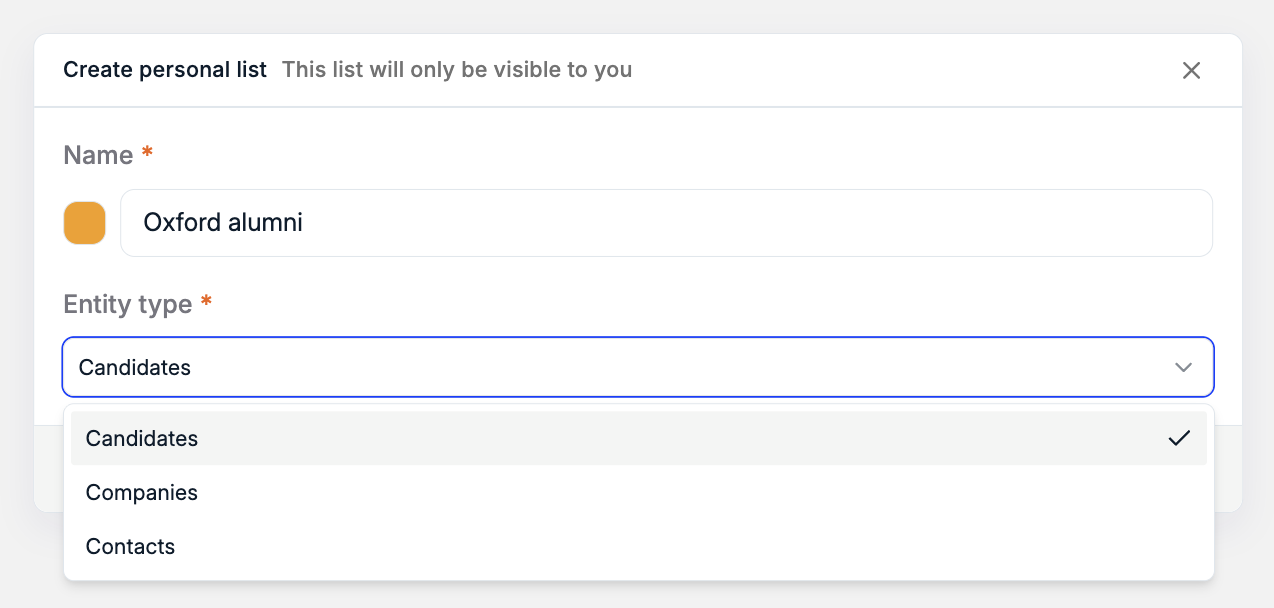
- Candidates
- Companies
- Contacts
Work with a List
Once inside a List, you can manage its contents and configuration in several ways.Add items to a List
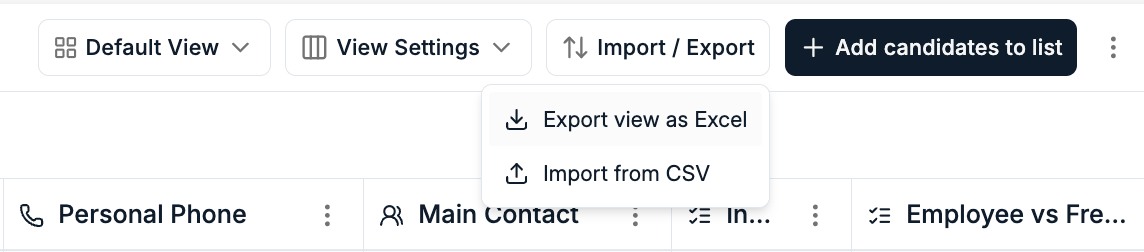
You can add records to a List in multiple ways:- Manually, by clicking Add items in the top right and selecting records directly in Spott
- By importing a CSV file, to bulk add records
Export a List
Lists can be exported to Excel, making it easy to share data or work with it outside of Spott.Filter and save views
Lists support the same filtering and usability features you are used to on record pages. You can apply filters and save views for quick access.Lists vs Views
Lists are best suited for static collections of records you want to reuse or share. Views on record pages are dynamic and automatically update when records match or stop matching filters. Lists do not change unless you manually update them. For example, you might create a List containing a curated shortlist of candidates you want to focus on this quarter, even if those candidates no longer match a specific filter.Manage List settings
You can update List settings at any time:- Change the name of a List
- Duplicate a List to create a new one based on an existing setup
- Control visibility via the three dot menu, choosing whether a List is visible only to you or to your entire organization