

Enrichment is managed from Settings, Features, and can be triggered directly from Candidate and Contact profiles.
Enrichment credits
Enrichment uses credits based on the type of data that is successfully found:- Email enrichment costs 1 credit
- Phone enrichment costs 10 credits
Credits are only deducted when enrichment is successful.
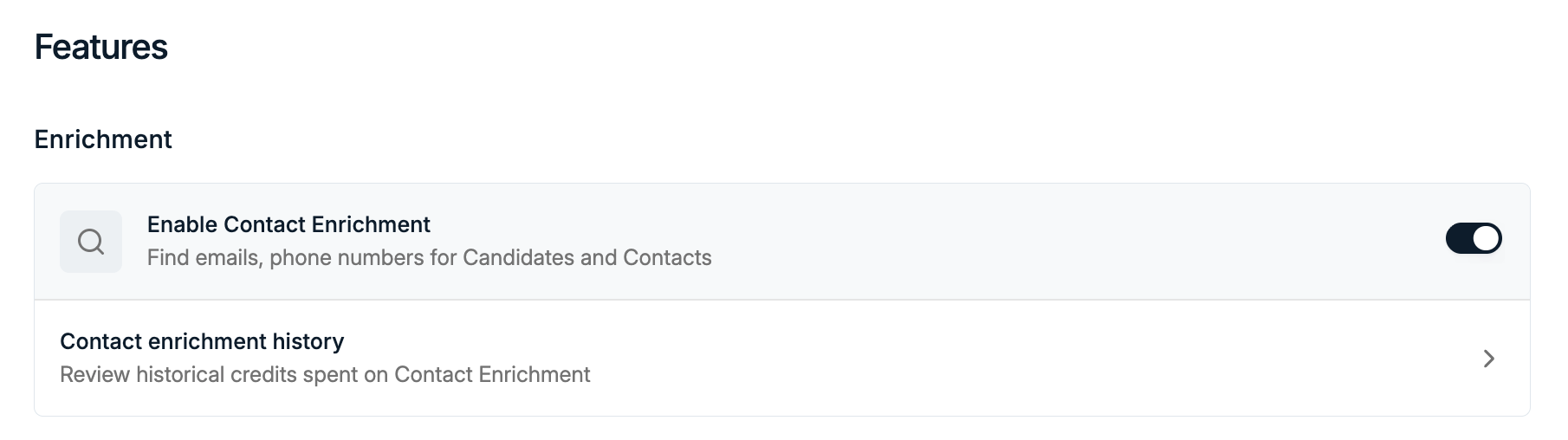
Enable Contact Enrichment
1
Open Features in Settings
Navigate to Settings → Features.
2
Enable Contact Enrichment
Toggle Enable Contact Enrichment on to allow enrichment for Candidates and Contacts.
Enrich a Candidate or Contact
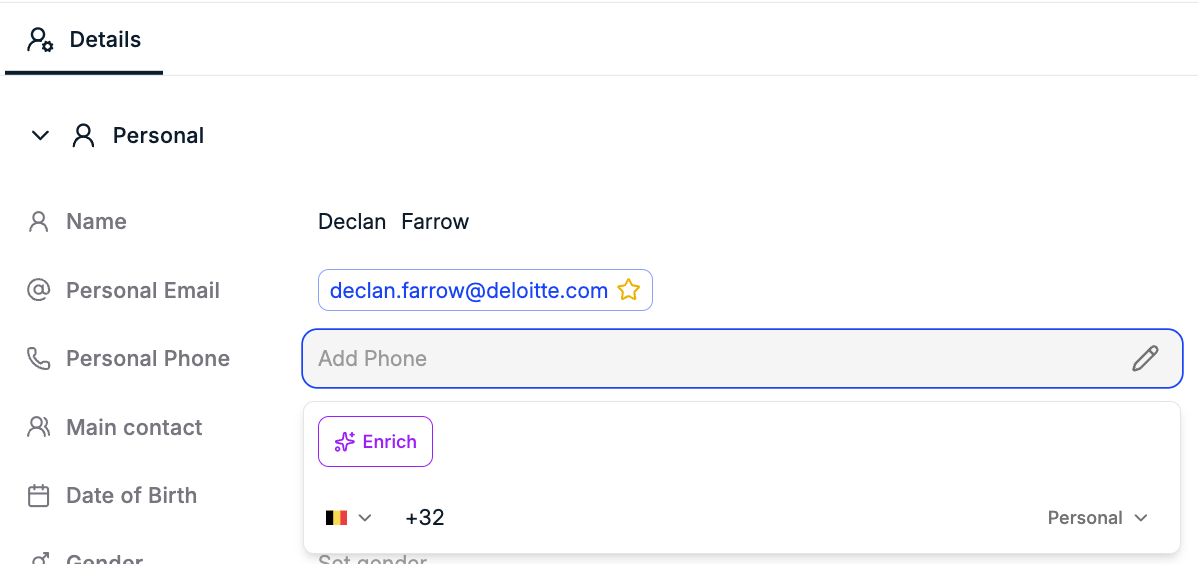
You can enrich profiles directly from both Candidates and Contacts. To enrich a person:- Open a Candidate or Contact profile
- Click into an empty email or phone number field
- Click the purple AI Enrich button that appears
- Spott will attempt to enrich the selected field
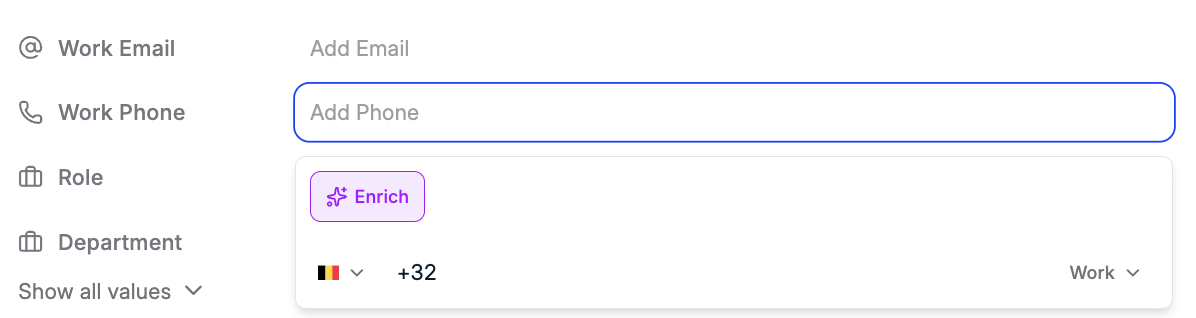
FullEnrich uses a waterfall approach, meaning Spott tries multiple providers until data is found or all sources are exhausted.
Enrichment history
From Settings → Features, click Contact enrichment history to review usage. On the history page you can see:- Historical credit usage
- Which profiles were enriched
- Whether enrichment was successful
- How many credits were deducted
Managing credits
If you need more enrichment credits, you can purchase them from the Billing page:- Go to Settings → Billing